
Punjab Bike Scheme Portal Problems at a Glance
| Problem | What to Check |
|---|---|
| Portal not opening | Internet connection, browser, official URL, and temporary service issues. |
| Login failed | CNIC/account details, password, and the correct login page. |
| Forgot password | Use the official password-recovery option. |
| OTP not received | Registered contact details, resend option, and message delivery. |
| Document upload failed | Accepted format, file size, readability, and connection. |
| Institution not listed | Institution selection and the official support route. |
| Application will not submit | Required fields, validation messages, and uploaded documents. |
| Confirmation missing | Check the account before submitting again. |
| Application information is wrong | Look for an official edit/correction facility. |
| Application rejected | Read the stated reason and follow the applicable review/correction process. |
Punjab Bike Scheme Portal Not Opening
If the Punjab Bike Scheme portal is not opening, first determine whether the problem is with your connection or with the website itself.
Try these checks:
Do not switch to an unofficial registration website simply because the official portal is temporarily unavailable. The bike registration portal was developed by the Punjab Information Technology Board (PITB) for the scheme.
Important: A website that fails to load is not proof that registration has closed.
Punjab Bike Scheme Login Problem
Why can’t I log in to my Punjab Bike Scheme account?
Start by checking the information entered on the login page.
If login continues to fail, note the exact error shown by the portal. This is more useful to support staff than simply reporting that the login “does not work.”
Forgot Punjab Bike Scheme Password
If you cannot remember your password, use the Forgot Password or equivalent recovery option displayed on the official portal.
Do not give your password, OTP, or account credentials to someone offering to recover your account through WhatsApp, social media, or remote access.
If the recovery process itself fails, record the error and contact the official helpline.
Punjab Bike Scheme OTP Not Received
What should I do if my Punjab Bike Scheme OTP does not arrive?
If the portal requests a verification code and you do not receive it:
If the registered contact information is incorrect and the portal does not provide a way to change it, do not create another account just to bypass the problem. Contact official support and ask how the account information should be corrected.
Why can repeated OTP requests be confusing?
When several codes are requested, an applicant may receive an older message after requesting a newer one. Rather than entering codes repeatedly, wait for the portal’s next permitted attempt and use the current code associated with that request.
Avoid relying on unofficial articles that claim a fixed OTP delivery time unless the official portal states that time.
Punjab Bike Scheme Document Upload Failed
Document uploads can fail because of the file itself, the upload field, or the connection.
| Upload Problem | What to Do |
|---|---|
| Unsupported file type | Use a format specifically accepted by the portal. |
| File exceeds the displayed limit | Reduce the file while keeping all text readable. |
| Blurry or unreadable document | Create a clearer scan or image from the original. |
| Corrupt file | Open the file on your device and create a clean copy. |
| Wrong document | Upload the document requested for that particular field. |
| Missing page or side | Include all pages or sides requested by the portal. |
| Upload interrupted | Check whether the file actually completed before trying again. |
| Correct file still rejected | Record the error and contact official support. |
Do not assume a particular file size, PDF/JPG requirement, or upload limit unless the current portal displays that requirement.
For the documents themselves, use the document preparation guide.
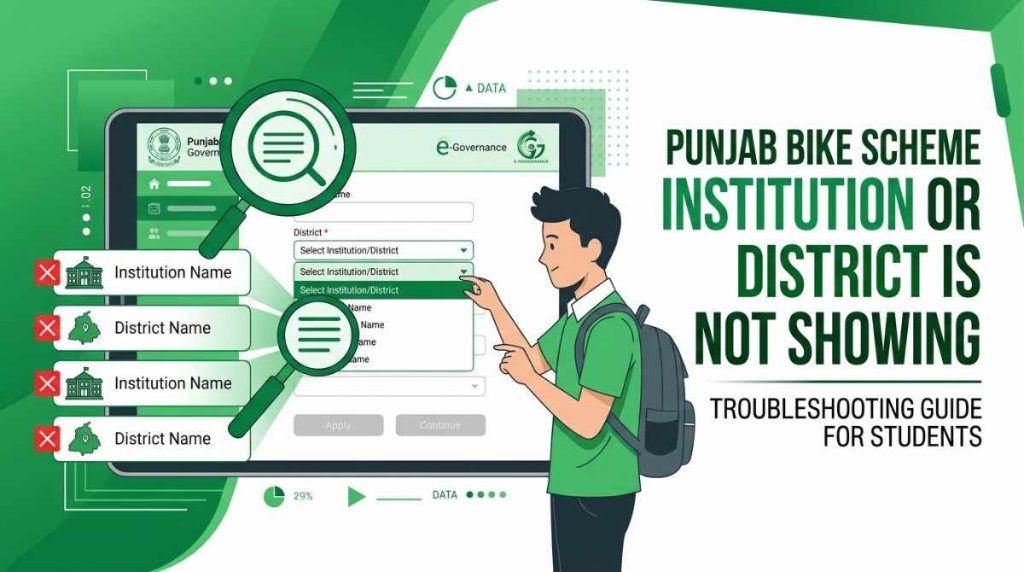
Punjab Bike Scheme Institution or District Is Not Showing
If your college, university, institution, or relevant location does not appear in the portal:
If your genuine institution is missing, save the exact details and contact the official service for instructions.
This is an application-data issue, not something you should try to solve by entering inaccurate information.
Punjab Bike Scheme Application Submission Failed
Why won’t my application submit?
If the portal stops you at the final submission stage, look for the specific validation message.
Common things to check include:
Read the error shown on the page before changing information. Do not repeatedly click Submit without checking whether the first attempt was actually processed.
Application Submitted but No Confirmation Appeared
If you clicked Submit but did not receive an SMS, email, or visible confirmation, do not immediately submit another application.
First:
If you cannot determine whether the submission succeeded, contact official support with the information available to you.
This is different from checking your application’s later status. For that, use the Punjab Bike Scheme application status and official login guide.
Can I Correct Wrong Information in My Punjab Bike Scheme Application?
If you entered incorrect information, first check whether the official portal currently provides an Edit, Correction, or similar option for your application.
Do not assume that every submitted field can be changed.
If no correction facility is available:
Whether an application can be edited after submission depends on the functionality and rules of the current application cycle.
For general application instructions, see the Punjab Bike Scheme application guide.
Rejected Application: Is It a Portal Problem?
Not necessarily.
A technical portal error and an application rejection are different issues.
If the portal displays a rejection, read the reason provided by the system or official notice. A rejection may relate to eligibility, verification, documentation, or another application requirement rather than a website malfunction.
If the portal provides a correction, review, or grievance route, use that route instead of submitting a second application.
What Information Should You Give Official Support?
A useful support request should explain exactly what happened.
Include:
Before sending a screenshot, hide:
Do not give your account password to someone claiming to provide technical assistance.
You can use the official helpline for the appropriate support route.
Portal Problem or Application Status Problem?
These two issues should not be confused.
Portal problem: You cannot log in, upload a file, receive a verification code, or complete a portal action.
Application status problem: Your application has already been submitted, and you want to know whether it is pending, selected, rejected, verified, or at another stage.
If your application was successfully submitted, use the application status guide rather than repeatedly submitting the form.
If you are checking a balloting result, use the Punjab Bike Scheme balloting results guide.
When Should You Contact Official Support?
Contact the official support route when:
If an application deadline is approaching, report a genuine technical problem promptly. However, submitting a complaint does not automatically extend a deadline or complete an application.