How to Check Punjab E-Bike Scheme Application Status
Use a numbered process:
Step 1: Open the official portal
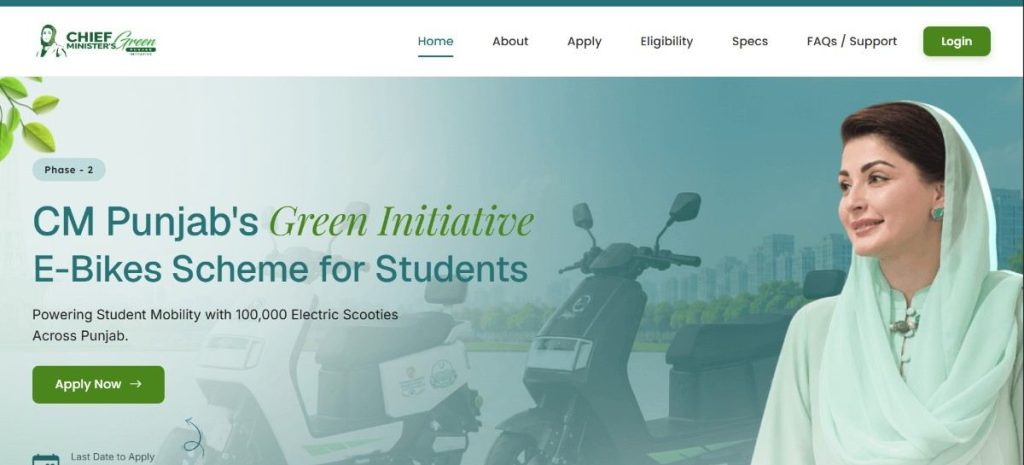
Go directly to bikes.punjab.gov.pk.
Step 2: Sign in
Use the Sign in option provided on the current portal.
Step 3: Enter your account information
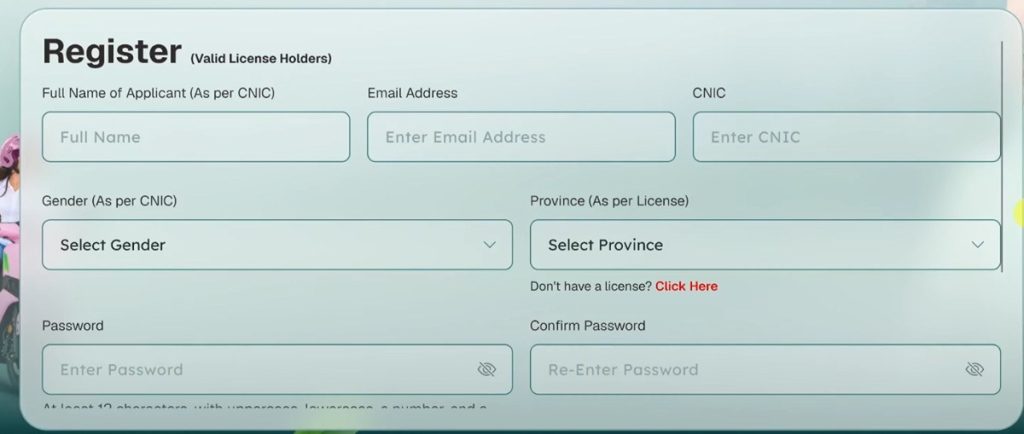
Use the same information associated with the application.
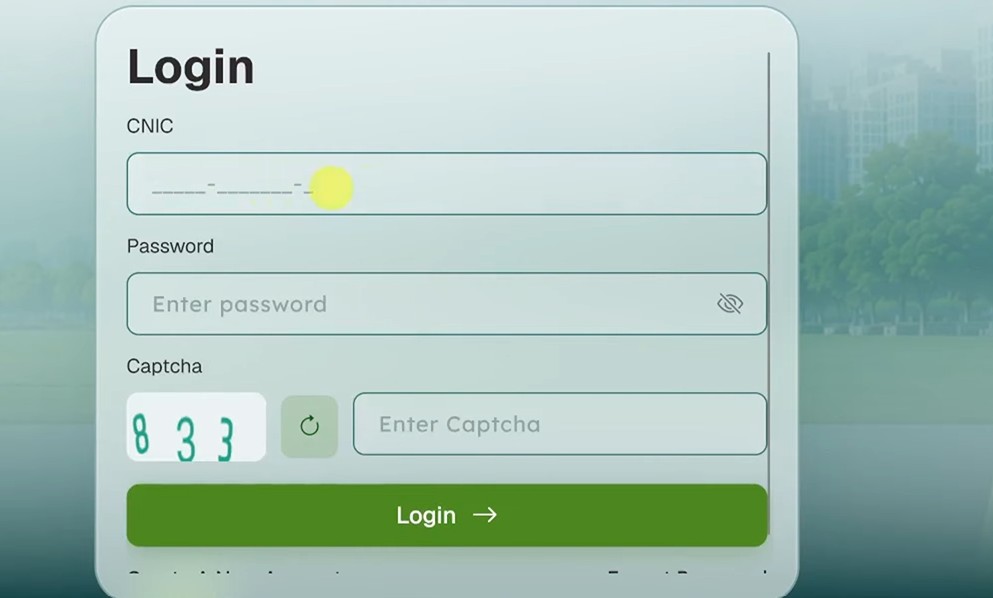
Step 4: Open Login
After successful login, access your applicant dashboard.
Step 5: Find your application
Look for the application/status section provided by the portal.
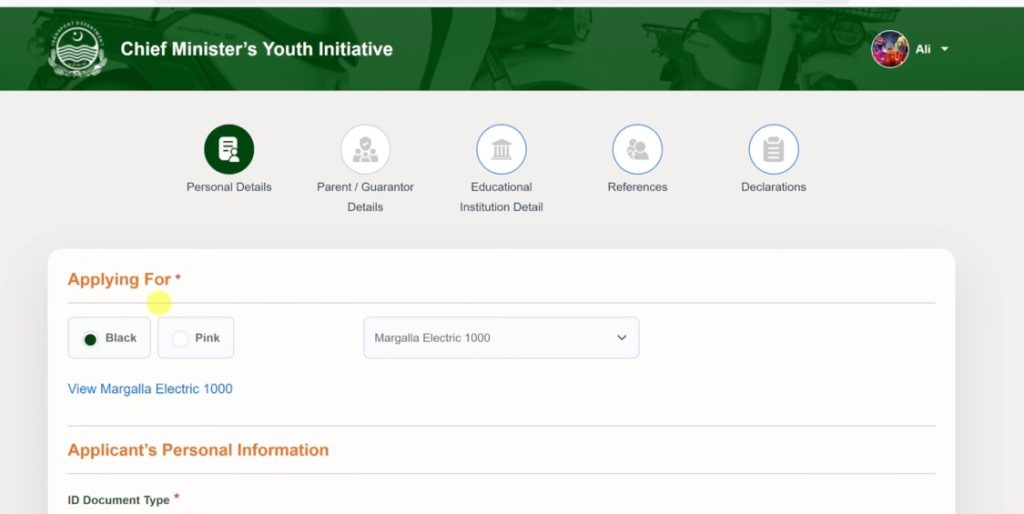
Step 6: Read the latest update
Check whether the portal shows a submitted, verification, selection, rejection, or other application-stage message.
Step 7: Save important information
If the portal provides an application/reference number, save it for future correspondence.
The portal’s button names and dashboard layout may change. Follow the current instructions shown in your account rather than relying on older screenshots or third-party guides.
If you cannot access your account, use our portal troubleshooting guide before creating another account.
Punjab E-Bike Scheme Application Status Meanings
Status labels can vary by application stage or portal update. The message accompanying the status is important because it may be a document request, correction, deadline, or other instruction.
| Application Status or Stage | General Meaning | What to Check |
|---|---|---|
| Application received | Your application has been submitted to the system. | Check for a reference or acknowledgement. |
| Under review/verification | Your information is being checked. | Look for document or information requests. |
| More information required | An additional item or correction is needed. | Check what is missing and the stated deadline. |
| Selected/shortlisted | Your application has progressed through the applicable selection stage. | Read the official notice for remaining requirements. |
| Waiting list | Your application has not received an allocation at that stage. | Confirm the relevant cycle and category. |
| Unsuccessful / rejected | Your application did not proceed at the displayed stage. | Check for the reason or available review route. |
| Ready for next step | Further action is required before the application can proceed. | Follow the instructions provided by the official portal. |
These are general explanations, not a claim that every label is a permanent official portal status. Your account’s current message and official notifications take priority.
Why Is My Punjab E-Bike Scheme Application Status Not Updating?
A status that has not changed does not automatically mean your application has been rejected.
Log in again and check for a new message, document request, or other instruction. If you have recently completed an action, keep a record of when you submitted it.
If there is no clear explanation, contact official support and provide your application details and a short description of the issue.
There is no universal processing period that applies to every application stage, so this guide does not promise an approval or status update within a fixed number of days.
Punjab E-Bike Scheme Application Status vs. Balloting Results
Application status shows the progress of your individual application.
Balloting results show the outcome of a selection exercise where computerized balloting is used for the applicable phase or category.
Having a submitted or eligible application does not by itself prove that you were selected. If your application is subject to balloting, use the Punjab E-Bike Scheme balloting results guide to identify the correct result.
Always match a result to the correct phase, category, and announcement. An older selection list should not be treated as a current result.
What If You Cannot Log In?
If you cannot access your account:
Never give your password or OTP to someone claiming they can unlock, update, or improve your application.
What If My Application Is Not Showing?
First, make sure you are signing into the same account used to submit the application.
Check any confirmation or reference information you received after submission. If the application is still missing, contact official support rather than submitting a duplicate application without official instructions.
Does Login Mean New Applications Are Open?
No. Existing account access and new registration are separate functions.
To determine whether a new application window is open and review the current registration procedure, use our How to Apply guide and verify the applicable official announcement.
How to Avoid Fake Application Status Checkers
Use the official Punjab bike portal for your individual application status. Do not enter your CNIC, password, OTP, or other sensitive information into an unofficial website claiming to provide a live government status.
Be cautious of anyone who promises guaranteed selection, faster processing, or account access in exchange for money.
If you receive an unexpected SMS or call, compare its instructions with your official account and verify the request through official support.